


Saving and loading
You can save your place in a novel and come back to it later.
Save
- Open the menu and choose Save.
- Pick a slot. Empty slots say Empty; used slots show the Chapter and Scene you were in.
- If the slot already has a save, the app asks before it overwrites it (Are you sure you want to overwrite this save data?).
There are 99 slots per novel.
Load
Open the menu (or the start screen) and choose Load (Load game), then pick a slot. The story continues from the saved point, with your variables restored to what they were.
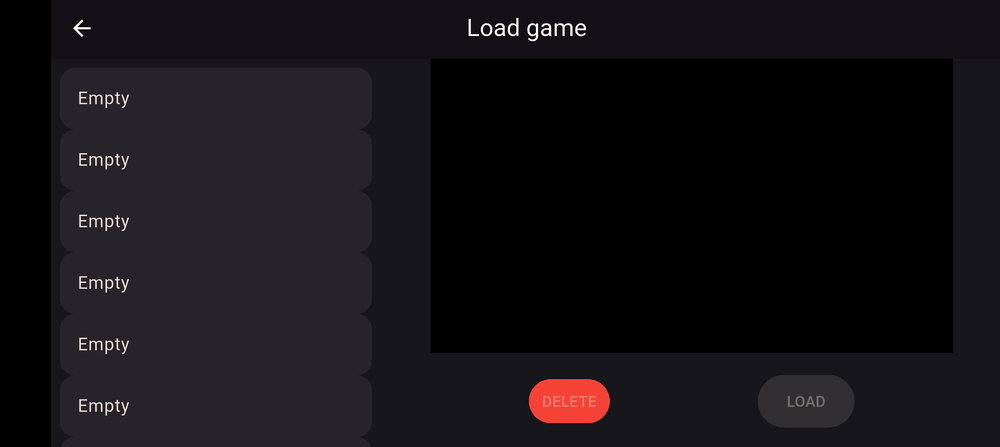
Delete a save
Delete a slot from the same screen; the app confirms first.
Good to know
- Saves belong to a novel and are stored on your device.
- When you play your own novel while making it, saves made during development may stop working if you change the novel afterwards. The app warns you about this: Save data during development may become corrupted.
Last updated: