


Cutscenes
The CUTSCENES tab holds your videos, ready to play with a Cutscene action.
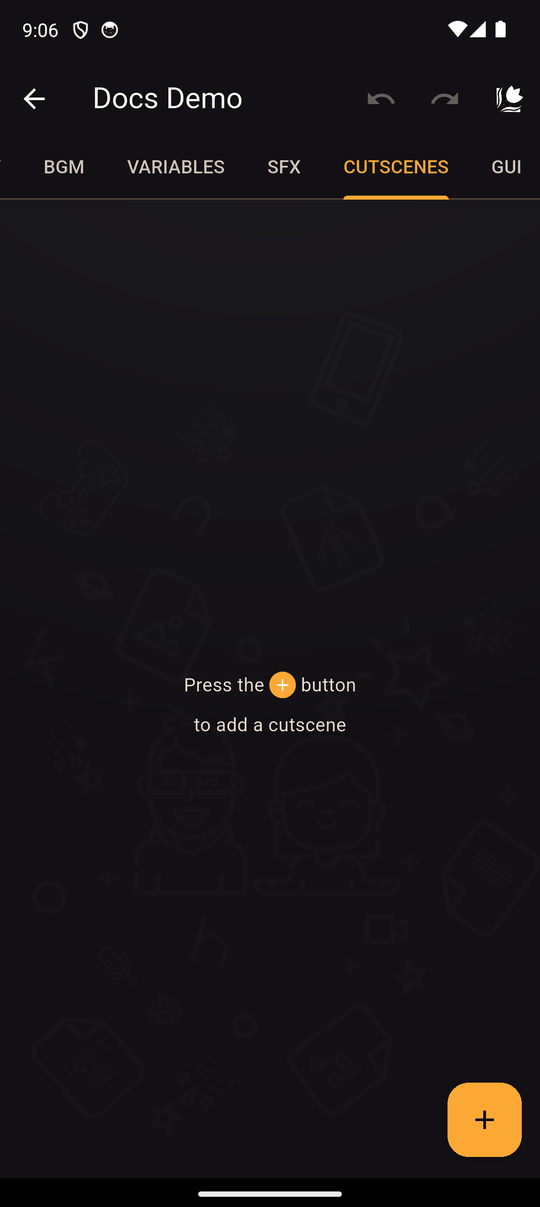
Add a cutscene
- Open the CUTSCENES tab and tap +.
- Enter a Name. It can't be empty and must be different from your other cutscenes.
- Pick a video from your device.
- Tap Save.
You can also add one while creating a Cutscene action by choosing New cutscene.
Supported format: MP4.
Edit and delete
Open an item's menu to Edit or Delete it. The list shows each item's size, and you can sort by name, date or size. Deleting a cutscene also removes the actions that used it. Undo brings them back.
Tips
- Videos are large. They can make your novel much bigger than one built with only images and text, which affects downloads, exports and upload limits.
- Compress your videos before importing.
Related
Cutscene action · Importing images, audio and video
Last updated: