


Forgot your password
You can reset your password by email.
Reset it
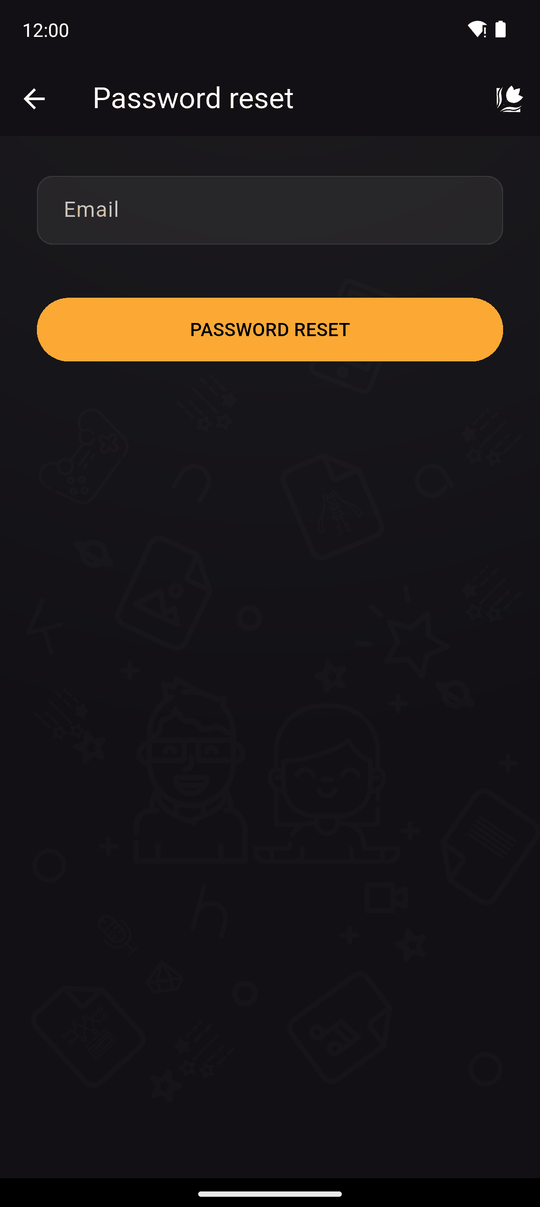
- On the Login screen, tap Forgot your password?
- Enter your account's email and send. You'll see Email sent: Please check your email and follow the instructions.
- Open the email and tap the link. A web page opens where you type a new password.
- When you see Password updated!, go back to Kohana and log in with it.
Things to know
- The link works for 1 hour. If it expires, ask for a new one.
- The reset page needs a password of at least 8 characters.
- If no email arrives, check your spam folder and that you typed the address you signed up with.
- Resetting needs a verified email. See Sign up.
- If you remember your password and just want a new one, use Change your details while logged in.
Still stuck?
Write to [email protected] from the email you signed up with. See Contact.
Related
Last updated: