


SFX
The SFX (sound effect) action plays a short sound once: a door, a phone, rain, a gasp.
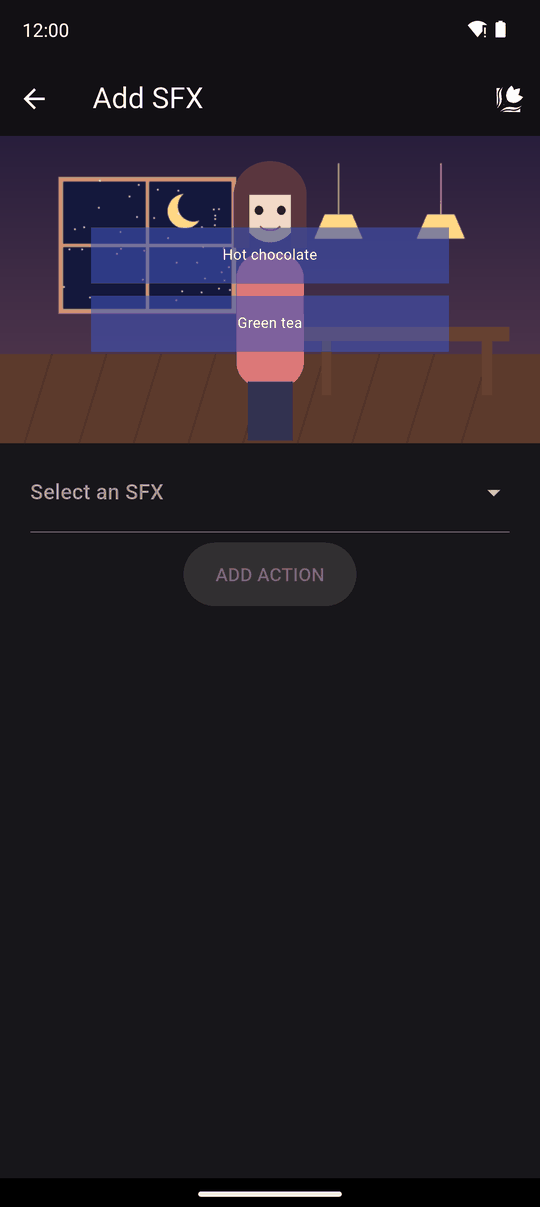
Supported track formats: MP3, WAV, OGG, FLAC, M4A, AAC and AC3.
Settings
| Setting | Details |
|---|---|
| SFX | Pick an existing sound (Select an SFX) or choose New SFX, name it and pick a file |
| Volume | How loud it plays |
| Hide text boxes | Hides the text box and any choices while the sound plays, then continues to the next action by itself when it ends |
| Stop playing BGM | Stops the music when the sound starts |
Use the last two to add more impact: silence the music and hide the text for a scary moment.
In the player
The sound plays once, and does not loop. If another SFX action arrives while one is still playing, it waits in line and plays next.
If the reader is skipping through text, sound effects are skipped so they don't pile up, unless the action has Hide text boxes turned on, since the story is waiting for it.
The reader controls loudness with SFX volume in player settings.
Tips
- Trim silence off the start of sound files so they feel instant.
- With Hide text boxes, the story waits for the whole sound, so keep those sounds short.
- For a long ambient sound, use BGM instead, which loops.
Related
Music and sound effects · BGM · Wait
Last updated: