


Cutscene
The Cutscene action plays a full-screen video: an animated intro, an opening, a key moment.
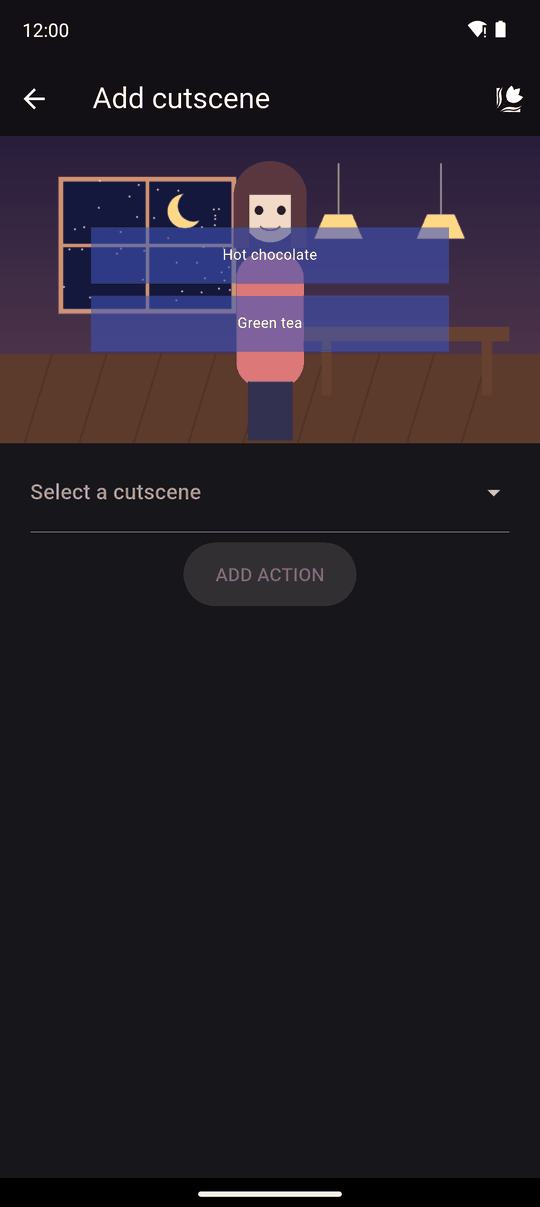
Supported video format: MP4.
Settings
| Setting | Details |
|---|---|
| Cutscene | Pick an existing video (Select a cutscene) or choose New cutscene, name it and pick an MP4 from your device |
In the player
The video plays over the scene and the story continues when it ends.
Readers can skip a cutscene only after they have watched it once, so nobody misses it the first time. When you test your own novel in the editor you can always skip.
Cutscenes use the screen. If you use one in the middle of a scene, you will need to add the scenery, characters and BGM again afterwards, because they are not restored for you.
Tips
- Cutscenes make a novel bigger. Keep videos short and compressed, especially if you plan to publish.
- A cutscene at the start of a novel is a good place for an animated opening.
- Test it in Preview on your phone to check the video size and sound levels before publishing.
Related
Cutscenes tab · Importing images, audio and video · Sizes and limits
Last updated: