


Log in
Log in
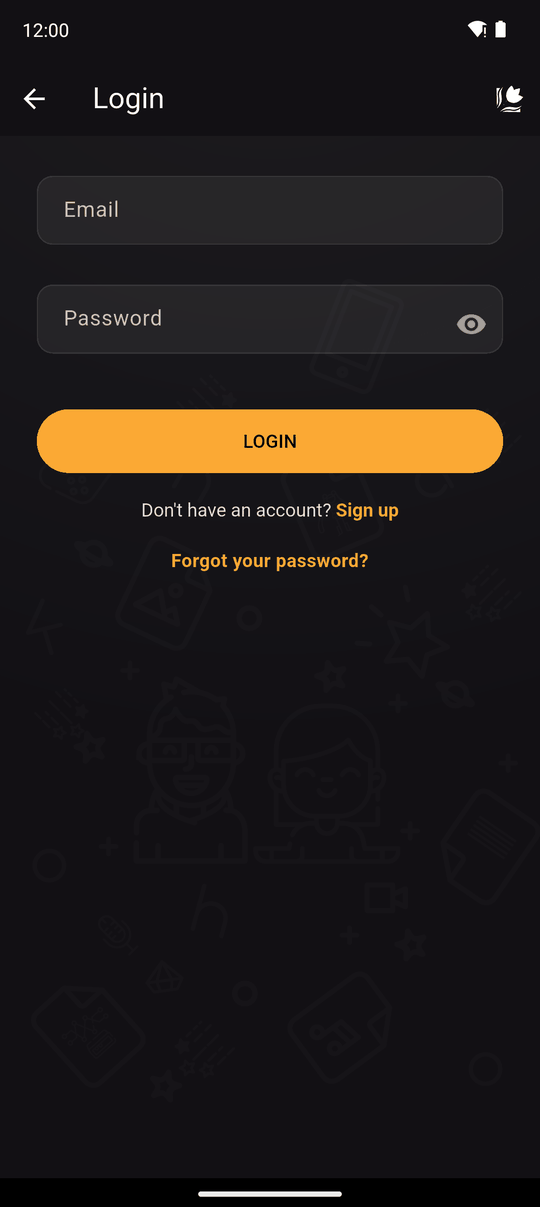
Open Settings and tap Login. Enter your email and password, then tap LOGIN.
Kohana keeps you logged in on that device until you log out, even after closing the app.
Messages you may see
| Message | What it means |
|---|---|
| Invalid email or password | One of them is wrong. Check for typing mistakes, or reset your password |
| Email not verified | You haven't opened the verification link yet. Please verify your email before logging in. Check your inbox for the link from when you signed up |
| Could not connect to the server | No internet, or Kohana's servers are down. Try again, and see the status page |
| You're offline | The app can't verify your login right now. Premium features are not available while offline |
Offline
If you were logged in and the internet drops, Kohana still knows who you are, and everything on your device keeps working. Anything that needs the servers waits until you are back online.
New here?
Tap Sign up. See Sign up.
Related
Sign up · Forgot your password · Log out
Last updated: