


The four tabs
The bar at the bottom of Kohana switches between four tabs. Each keeps its own place, so you can leave and come back to where you were.
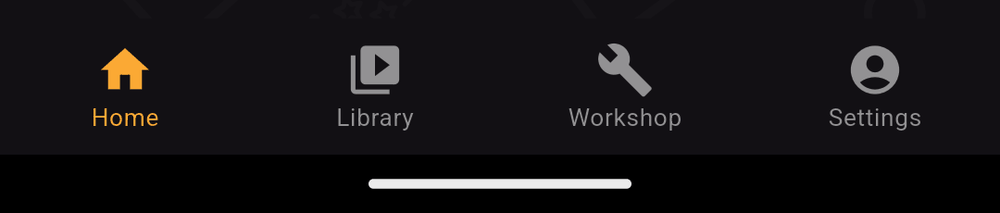
Home
Discover novels published by the Kohana community: a banner carousel, then rows of Trending, Recently added and Popular novels, and an All Novels button with filters. The search icon at the top finds novels by title or creator. See Home.
Library
Every novel stored on your device that is ready to play: novels you downloaded from Home and novels you added from a file. Tap one to play it. See Library.
Workshop
Your own novels. Create a new one with +, open one to edit it, or use its menu to preview, change its icon, export, share, upload or back it up. See The Workshop.
Settings
Your account and subscription, My Shares, Homepage Upload Status, export requests, notification settings, editor preferences, help and legal pages. See Settings.
Undo and redo
Inside the editor, the top bar has Undo and Redo buttons. See Undo and redo.
Last updated: