


Actions folder
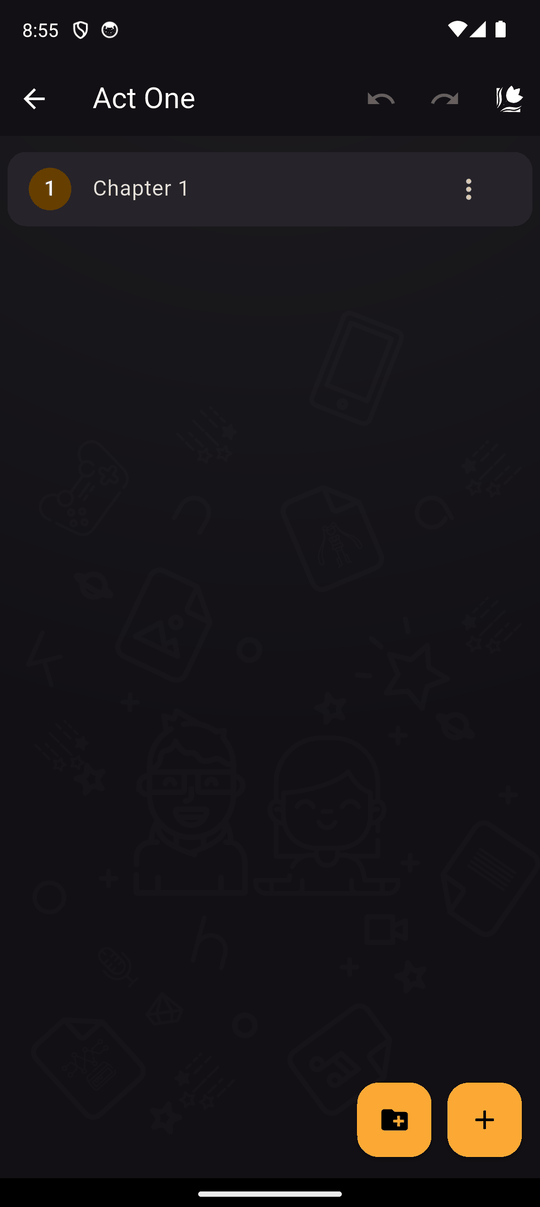
An Actions folder groups several actions into one block inside a scene. It exists mainly so one condition can cover many actions without splitting the scene into several scenes.
Settings
| Setting | Details |
|---|---|
| Enter the folder name | The folder's label in the action list. Names must be unique in the place where you create it |
Choose Add actions folder in the action drawer to create one. Move actions into it with Move to in an action's menu, and back out with Out of this folder. Folders can also hold other folders. See Folders for the details shared by all folders.
Conditions
Choose Conditions in the folder's menu. If the conditions are not met, the reader skips every action in the folder. If they are met, the actions play in order as normal.
Without a folder you would need to add the same condition to each action individually.
Example
You have a secret ending that only plays when trust >= 5. Put the ending's texts, characters and music in one folder and give it the condition trust >= 5.
Related
Conditions · Folders in the timeline · The scene editor
Last updated: