


Folders
Folders keep long novels tidy. You can put folders inside the Timeline (of chapters), inside a chapter (of scenes) and inside a scene (of actions).
Create a folder
Tap Add folder and give it a name (Enter the folder name). Folder names must be unique in the place where you create them. In the scene editor the option is Add actions folder.
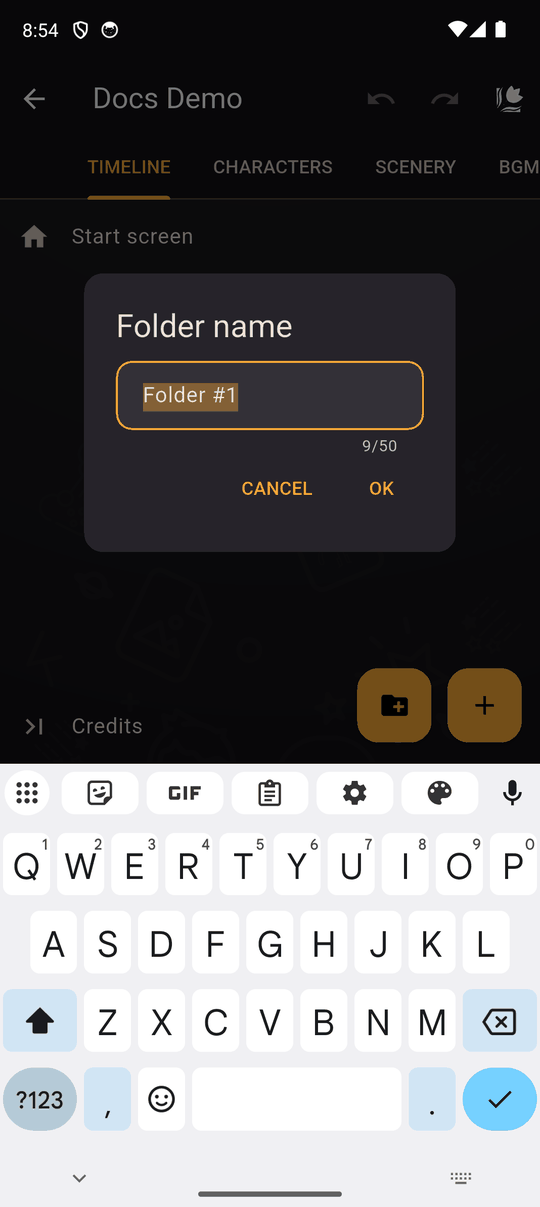
Move things in and out
Use Move to in an item's menu, then pick a folder:
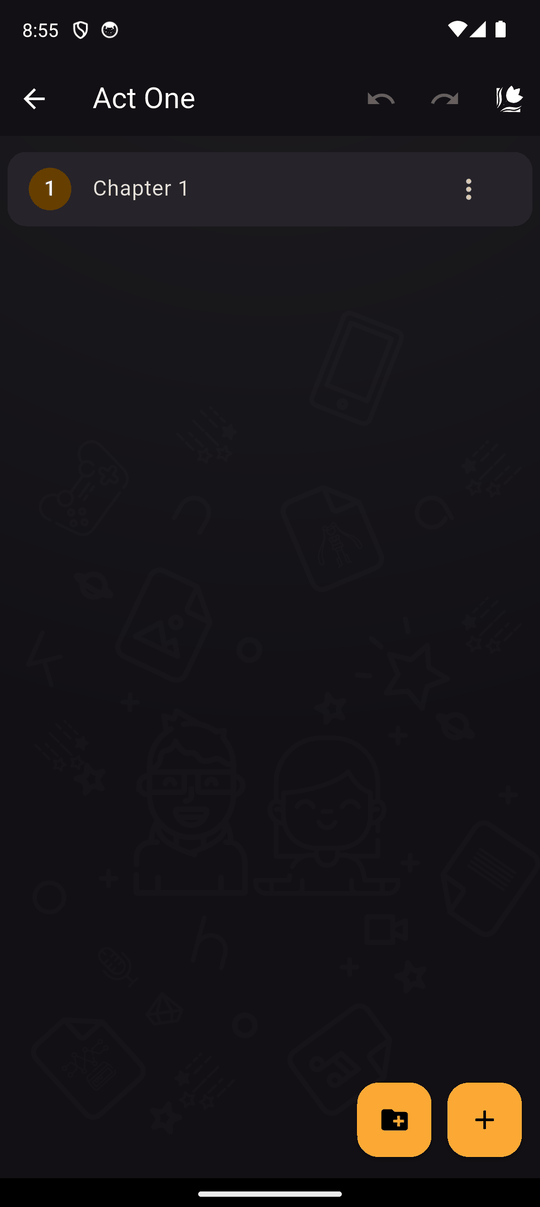
- The list shows the folders next to the item. If there are none you'll see No folders here to move into.
- Inside a folder, Out of this folder moves the item back up one level.
Folders can be nested, and a folder can't be moved into itself.
Conditions on folders
A folder can have Conditions. If they are not met, everything inside is skipped. This is a handy way to hide a whole branch of the story. See Conditions.
Deleting a folder
Deleting a folder deletes everything inside it, after you confirm. You can undo it, and the folder comes back with its contents. See Undo and redo.
In the player
Folders don't change what the reader sees. They only organize the editor and carry conditions.
Last updated: