


Notifications
Kohana can send push notifications. You decide which kinds you want, and you can change your mind at any time.
Allowing notifications
The first time Kohana asks, allow notifications in the system prompt. Kohana then shows the list of notification kinds straight away so you can turn off any you don't want. If you said no, turn notifications on for Kohana in your phone's settings.
The kinds
Open Settings > Notification Settings:
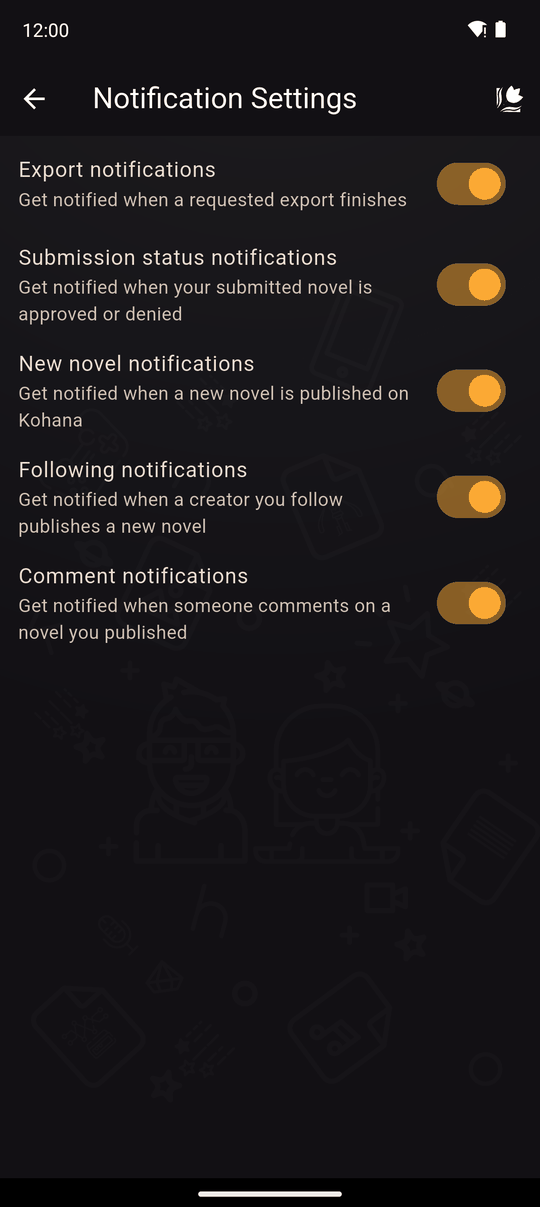
| Notification | You are told when… |
|---|---|
| Export notifications | An app export you requested finishes |
| Submission status notifications | A novel you submitted is approved or denied |
| New novel notifications | Any new novel is published on Kohana |
| Following notifications | A creator you follow publishes a new novel |
| Comment notifications | Someone comments on a novel you published |
Each has its own switch. These are stored on your device and need no account. (Some of them, like comments on your novel, only matter once you have published something.)
Following
The same screen has a Following list of the creators you follow, with an Unfollow button for each. Until you follow someone it says You're not following any creators yet. This list needs you to be logged in. See Comments and following.
Export emails
A finished export also sends you an email, whatever your notification settings are. See Export requests.
Related
Settings overview · Upload status · Comments and following
Last updated: