


BGM
The BGM (background music) action starts or changes the music that plays under the scene.
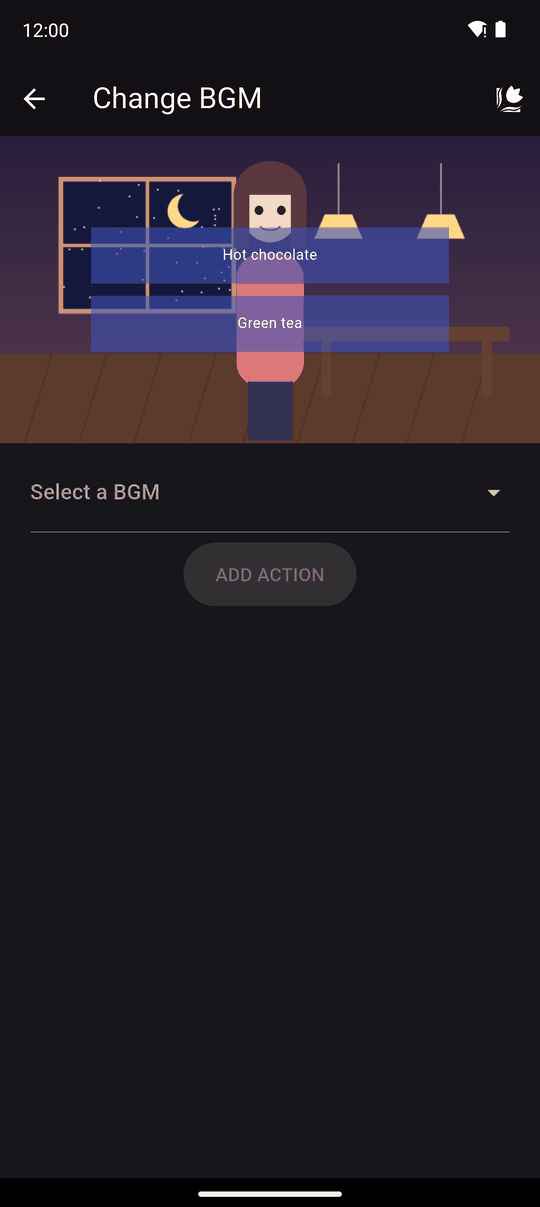
Supported track formats: MP3, WAV, OGG, FLAC, M4A, AAC and AC3.
Settings
| Setting | Details |
|---|---|
| BGM | Pick an existing track (Select a BGM) or choose New BGM, name it and pick a file from your device |
| Volume | How loud this track plays. The default is 50 |
A built-in player lets you listen to the track and set its volume before you add the action.
In the player
The music loops until another BGM action changes it, an SFX with Stop playing BGM stops it, or the novel moves on to a scene that clears assets. It plays only if the same track at the same volume isn't already playing, so repeating the action doesn't restart the song.
The reader can lower or mute the music with BGM volume in player settings. Your volume is relative to that.
Tips
- Keep music quieter than you think. Dialogue is the main event.
- A new track cuts in immediately. For a gentler change, end the old track with a quiet passage, or use a Wait.
- To keep the music going across scenes, turn on Keep previous scene assets in the scene's settings. See Chapters and scenes.
- You can only be using one BGM at a time.
Related
Music and sound effects · SFX · Importing images, audio and video
Last updated: