


Credits
The credits roll after the last chapter of your novel. Use them to thank everyone who helped, from artists and musicians to testers.
Open them from the top of the Timeline tab.
Add credits
Buttons at the bottom add entries:
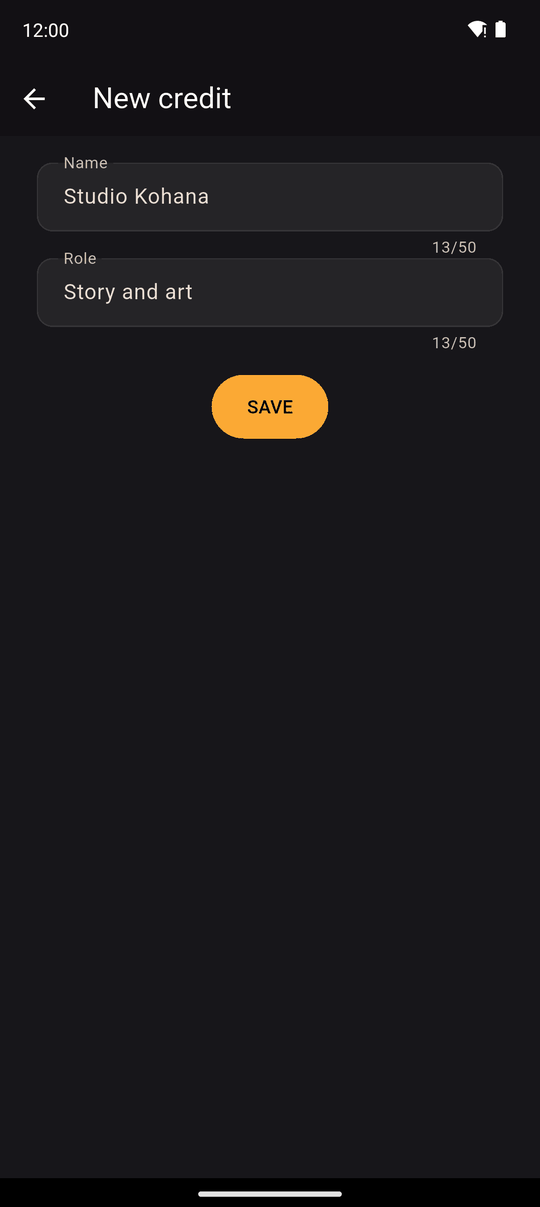
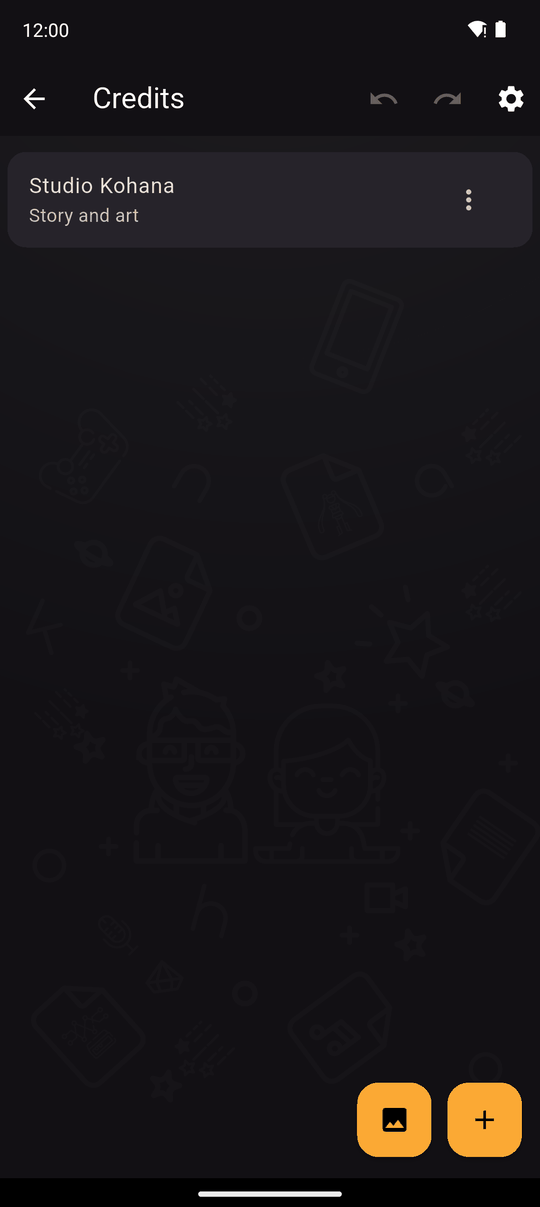
- + adds a credit: a Name (up to 50 characters) and a Role (up to 50 characters), for example Mika and Background art.
- The image button adds a Picture, such as a logo. Use Change picture to replace it, and a slider to size it from 0.3 to 2.5 times.
Tap a credit to Edit it, or Delete it. Drag entries to reorder them. The tab is empty at first, with a hint to tap + to add a credit.
Credits settings
Tap the gear in the top bar for Credits settings:
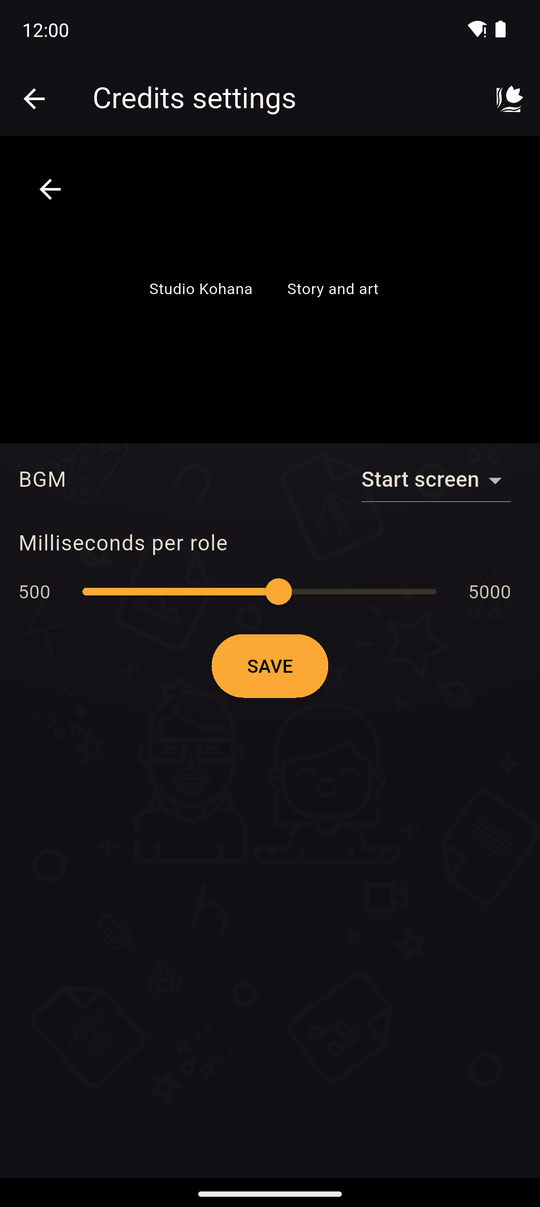
| Setting | Details |
|---|---|
| Milliseconds per role | How fast the credits scroll: 500 to 5000, per credit |
A live preview above shows the result. Tap Save to keep your changes.
In the player
When the story ends, the credits scroll by themselves. Readers can leave them early instead of waiting, and can open the credits again from the reader's settings. See Player settings.
Tips
- Credit yourself. Everyone reads the credits once they've finished.
- For a game jam or collaboration, list roles clearly so people get the recognition they earned.
- Credit text can be translated.
- Highlight part of a name or role and tap Text effects to animate it. See Text effects.
Songs
Songs are items in the credits list, like names and pictures. Tap the music note button to add one and choose Start screen, one of your tracks, or Custom for your own file. Drag it where you want: a song starts when the credits reach it and plays until the next song. A new novel starts with a Start screen song, and if you delete every song, the credits play in silence.
Credits for each ending
Open a credit's, picture's or song's menu and tap Conditions to use it only when your variables match, for example route = 2. Add one song per ending, each with its own condition, to give every ending its own music.
Conditions are checked when the credits roll at the end of the story. When readers replay the credits from the settings, no ending has been reached, so only items without conditions are used. The preview in the editor uses everything.
Related
Start screen · Translations · Chapters and scenes
Last updated: