


The Workshop
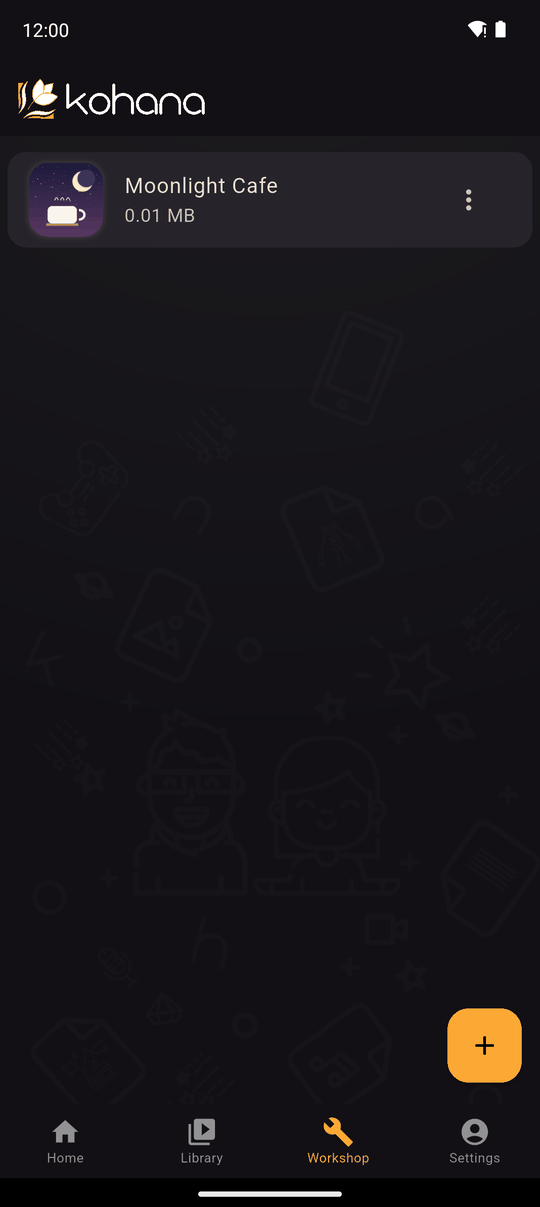
The Workshop tab lists the novels you are making. Novels you downloaded to play are in the Library instead.
Create a novel
- Tap +.
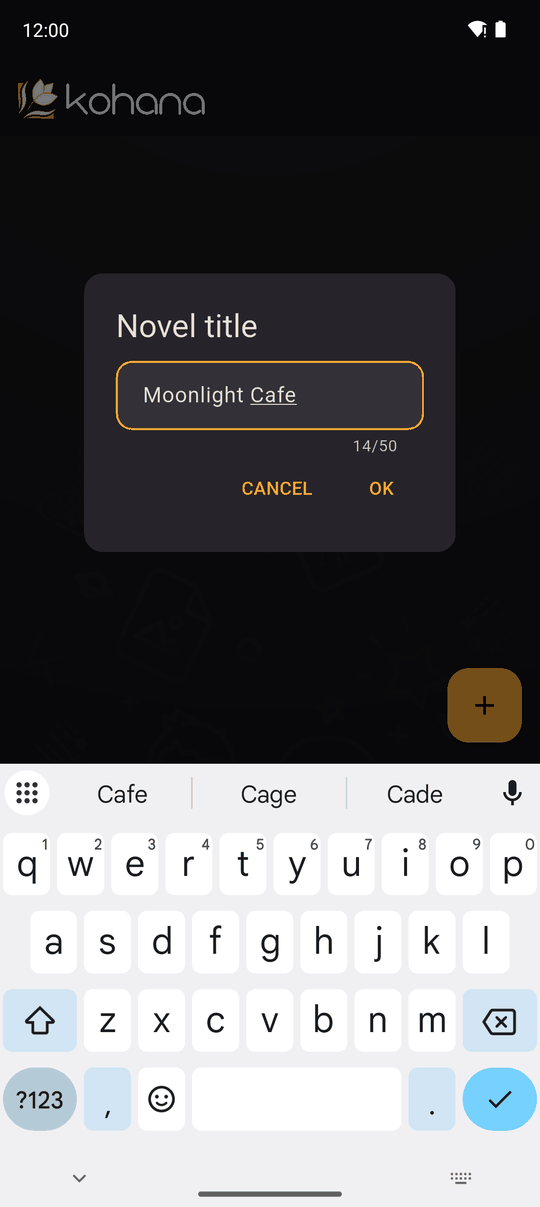
- Enter a Novel title (Enter your novel title). The title can't be empty, and it must be different from your other novels (This title already exists).
- Confirm. The new novel appears in the list; tap it to open the editor.
If the list is empty you'll see Press the + button to create your first novel.
Add a novel from a file
Novel files are added from the Library with + (Add novel), or by opening the file with Kohana from another app. Kohana looks at the file and puts it in the right place: a .kohab backup comes back here as an editable novel, while a .koha package goes to the Library to play. See Backup and Library.
Sorting
The sort chips at the top order the list: Newest, Oldest, Title (ascending or descending) or Size.
Opening a novel
Tap a novel to open the editor and its tabs. The menu on each row has the novel options: rename, preview, change icon, export, share, upload, back up and delete.
Where your work is stored
Novels live on your device. Kohana doesn't upload your work unless you choose to upload, share or export it. Because of that, make a backup before you delete a novel or change phones.
Last updated: